> For clean Markdown of any page, append .md to the page URL.
> For a complete documentation index, see https://wt.hhr.systems/llms.txt.
> For AI client integration (Claude Code, Cursor, etc.), connect to the MCP server at https://wt.hhr.systems/_mcp/server.
# Booking flows
Both booking models follow the same arc: find a train, create the booking, then pay and issue the tickets. The difference is one step in the middle. Prices are dynamic, so always create the booking against a fresh search.
## Individual booking
 #### Search trains
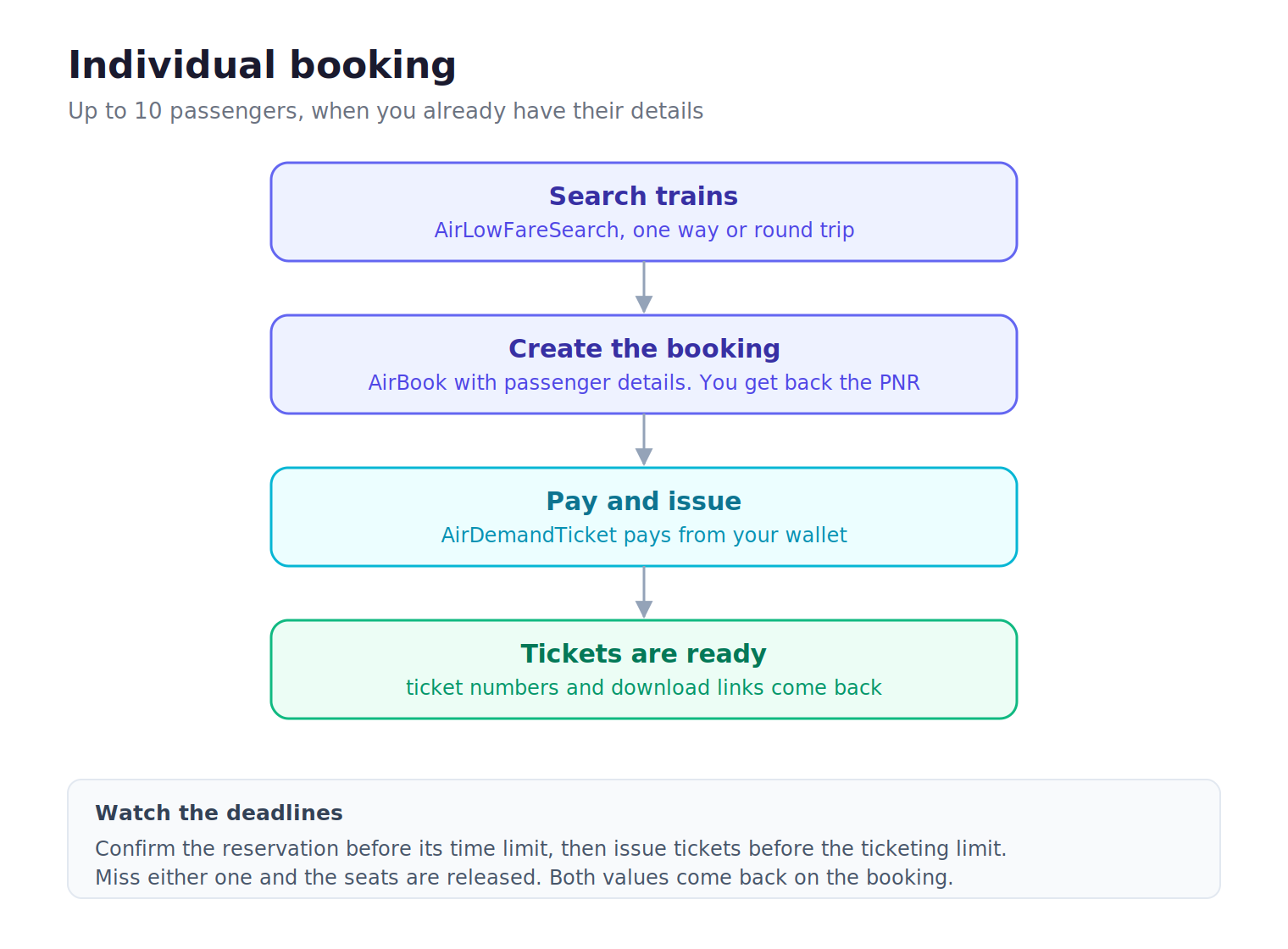
Call `OTA_AirLowFareSearchRQ` with your origin, destination, date, and passenger counts. Send one entry in `originDestinationInformation` for a one-way trip, or two for a round trip. Set `availableFlightsOnly` to `false` if you want sold-out classes in the results too.
#### Create the booking
Call `OTA_AirBookRQ` with the segment from your search, full data for up to 10 passengers, and the CTC contact. The response returns the W1 record locator and the booking's time limits.
#### Pay and issue
Call `OTA_AirDemandTicketRQ` with the W1 locator. Payment draws from your wallet. See [Paying with the wallet](/paying-with-the-wallet).
#### Tickets are ready
The ticketing response returns a ticket number and the amounts for each passenger.
## Group booking
#### Search trains
Call `OTA_AirLowFareSearchRQ` with your origin, destination, date, and passenger counts. Send one entry in `originDestinationInformation` for a one-way trip, or two for a round trip. Set `availableFlightsOnly` to `false` if you want sold-out classes in the results too.
#### Create the booking
Call `OTA_AirBookRQ` with the segment from your search, full data for up to 10 passengers, and the CTC contact. The response returns the W1 record locator and the booking's time limits.
#### Pay and issue
Call `OTA_AirDemandTicketRQ` with the W1 locator. Payment draws from your wallet. See [Paying with the wallet](/paying-with-the-wallet).
#### Tickets are ready
The ticketing response returns a ticket number and the amounts for each passenger.
## Group booking
 #### Search trains
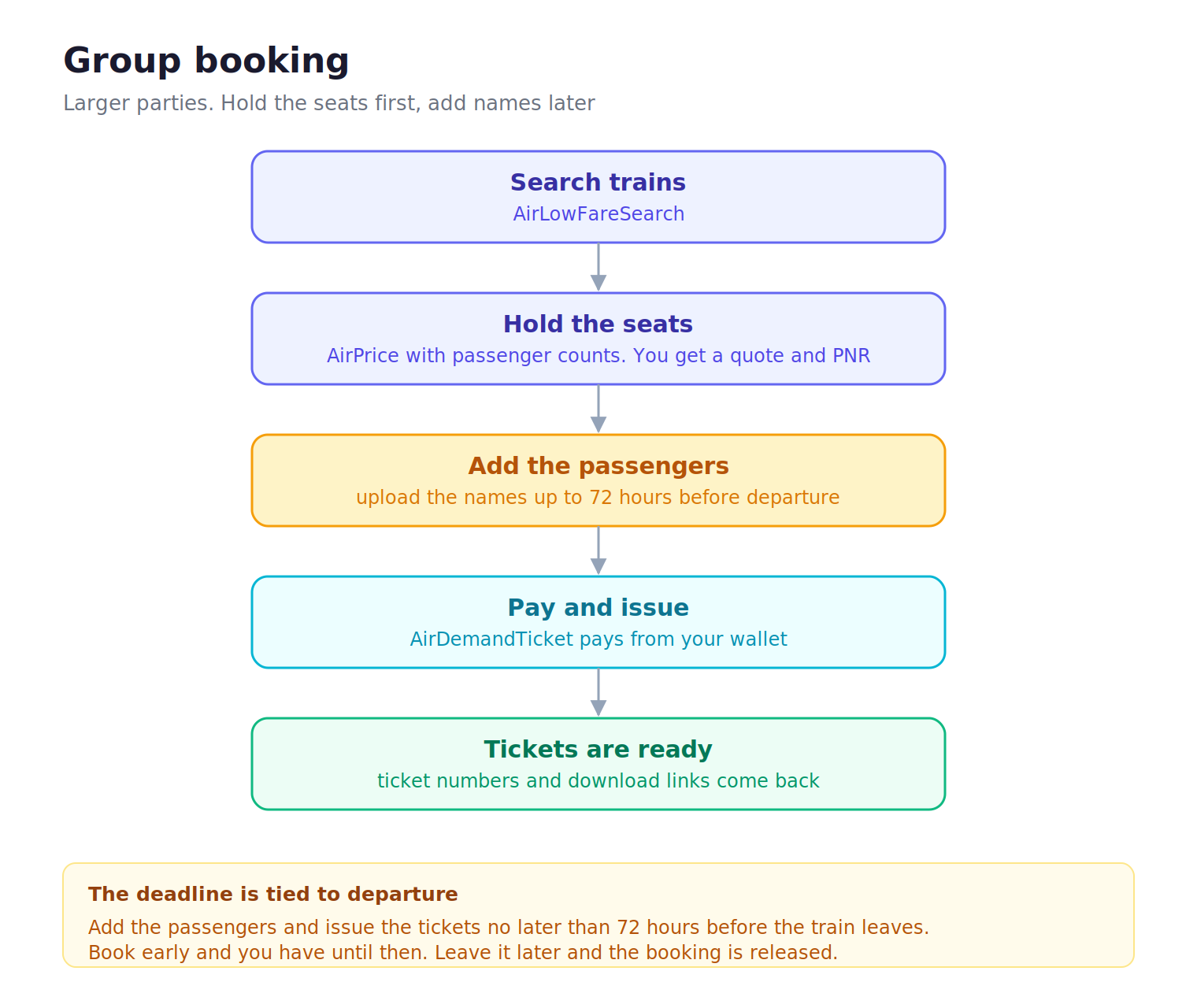
Same search as above with `OTA_AirLowFareSearchRQ`.
#### Hold the seats
Call `OTA_AirPriceRQ` with passenger counts by type and the CTC contact. The response returns a `quoteID` and the W1 record locator, which holds the seats.
#### Add the passengers
Add the travelers' names and documents with `OTA_AirBookModifyRQ`. Do this no later than 72 hours before departure, or the booking will be invalid and dead. See [Updating passengers](/updating-passengers).
#### Pay and issue
Call `OTA_AirDemandTicketRQ` with the W1 locator, paying from your wallet.
#### Tickets are ready
The response returns a ticket number and amounts per passenger.
Read a booking back at any time with `OTA_ReadRQ` and its W1 locator to check the status and the time limits.
#### Search trains
Same search as above with `OTA_AirLowFareSearchRQ`.
#### Hold the seats
Call `OTA_AirPriceRQ` with passenger counts by type and the CTC contact. The response returns a `quoteID` and the W1 record locator, which holds the seats.
#### Add the passengers
Add the travelers' names and documents with `OTA_AirBookModifyRQ`. Do this no later than 72 hours before departure, or the booking will be invalid and dead. See [Updating passengers](/updating-passengers).
#### Pay and issue
Call `OTA_AirDemandTicketRQ` with the W1 locator, paying from your wallet.
#### Tickets are ready
The response returns a ticket number and amounts per passenger.
Read a booking back at any time with `OTA_ReadRQ` and its W1 locator to check the status and the time limits.